

Nightwater Automation: Build Your First Working Chain
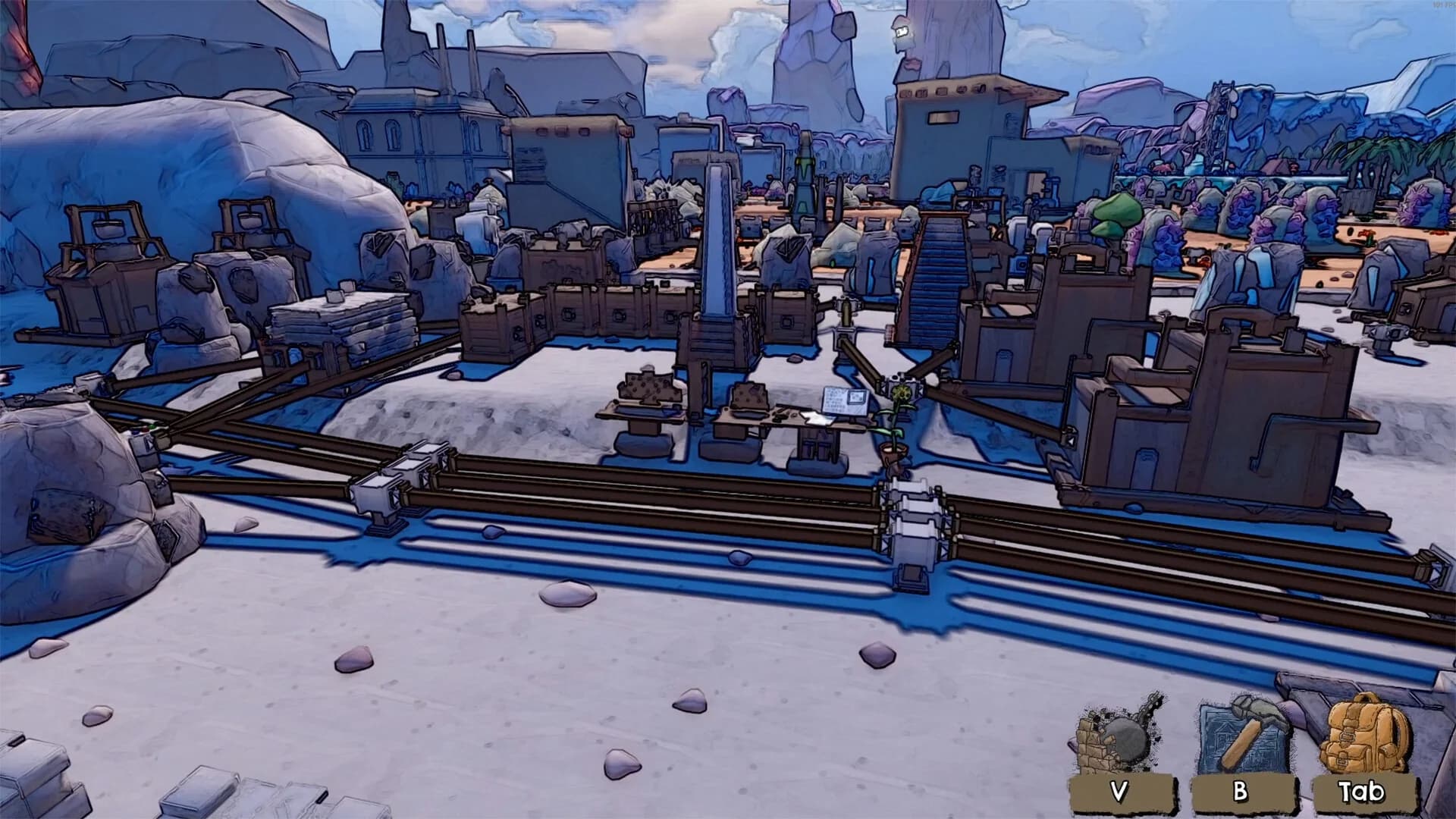
Build and observe one complete handoff before multiplying machines: source, transport, receiver and output destination. If an Infinity Pipe is not moving items, update first—the transfer bug is fixed in 1.0.13—then inspect source stock, connections and receiving space. Recheck old Altar and Loot Manifester timings before interpreting a slower line as broken. The planner models your observed structure, not invented game ratios.
- Latest patch checked
- 1.0.13
- Source review
- 2026-09-26
- Evidence
- Official facts + labeled community advice
- Unknown statistics
- Never treated as zero
| What you see | Inspect next | Change first |
|---|---|---|
| No gathering output | Resource source and selected gatherer | Confirm the intended source is available |
| Source has stock; processor is empty | Pipe handoffs and receiving input | Repair the missing connection |
| Some inputs present; processor idle | All selected recipe inputs | Supply the missing input |
| Processor output accumulates | Receiving storage or next consumer | Restore an accepting destination |
| Line works until expanded | New consumers sharing supply | Observe demand before duplicating again |
Changes that affect this guide
- 1.0.11 · 2026-09-20
Do not size a factory using the old Altar or Loot Manifester timings. Search for Simple Metal Smeltery when an older guide says Alloy Forge. The notes do not provide new fuel quotas or a numerical rune cap.
Version checks before a rebuild
1.0.11 changes Altar production to four seconds and corrects Loot Manifester readiness to 300 seconds. 1.0.13 fixes Infinity Pipe transfers. These changes can explain why a launch-week layout behaves differently, but do not provide an entire throughput table.
Construct a small source-to-output loop
Choose a craft already available in your menu. Identify its input supply, connect the stages and observe the destination. Avoid attaching every newly unlocked machine at once: one short line gives you a visible success condition and makes a broken handoff easier to locate.
- Name the source and intended output.
- Connect the gathering or supply stage.
- Check input arrival at the processor.
- Confirm output collection before you expand.
Place storage where it answers a question
An intermediate buffer can tell you whether supply is arriving faster than the next stage consumes it. If it remains empty, inspect upstream. If it keeps filling while a downstream machine idles, inspect that handoff and recipe. Adding storage everywhere can hide where the interruption begins.
Expand the actual limiting stage
Let the line run long enough to see which input is missing or which output backs up. Change one stage, then observe again. This is a troubleshooting method; without verified capacities and rates it is not a mathematical optimal-ratio claim.
Take the next branch once the line is stable
While machines work, pursue the next material milestone, open a region or try a minigame. Return to verify that the factory continued producing. If the next goal requires a different input, add a distinct branch rather than silently starving an existing consumer.
Progression map →Factory Layout Planner →Automation checklist →
Put the plan to work
Audit source, gathering, transport, buffering, processing, output, bottlenecks and expansion room with explicit reasons.
Automation Readiness Checklist →Sources & verification
Source review: 2026-09-26. Store/objective facts and the named patch changes checked; editorial play advice is not a measured optimal route. Nightwater Wiki is an independent fan-made reference.